Bright. Convenient. Yours — LeoMall launches its mobile app
In December 2020 the LeoMall shopping and entertainment center launched a mobile app of its own, and the first reviews are already in.
The interface
The home screen greets you with a bright news feed and offers from the mall's stores.
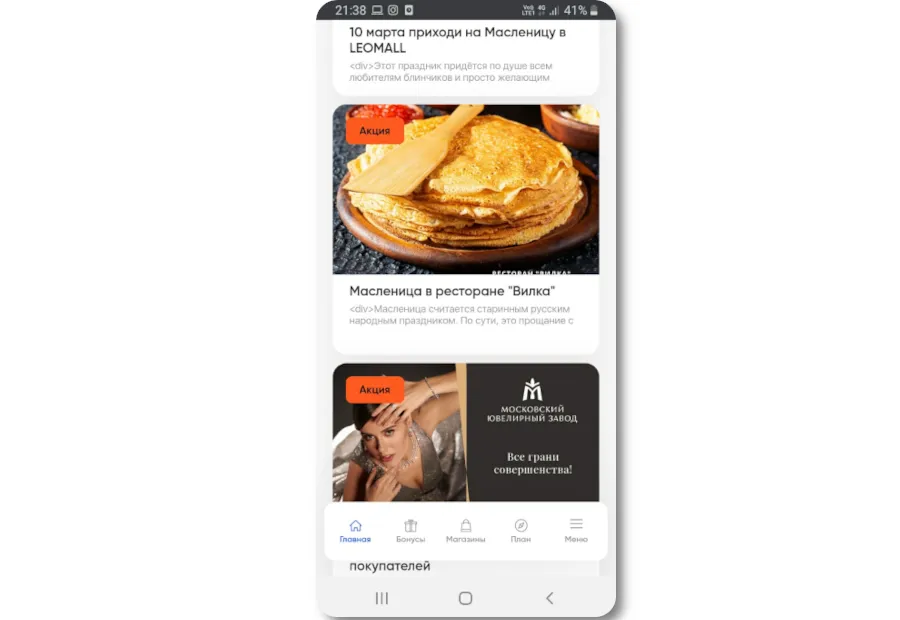
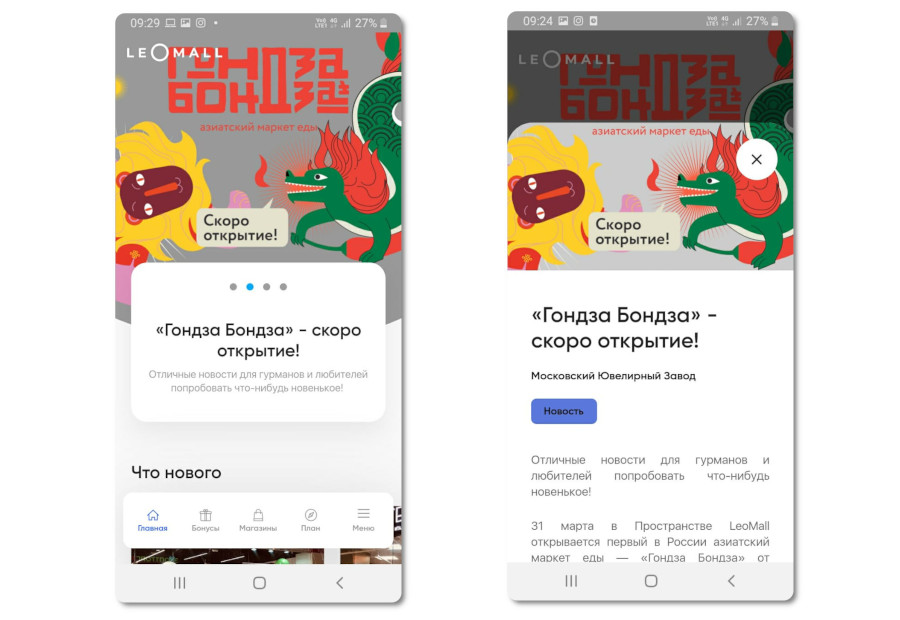
It holds several promotional slots in different formats. The largest banner block sits at the top and takes up half the screen; tapping it opens a full description of the promotion with text and several images.
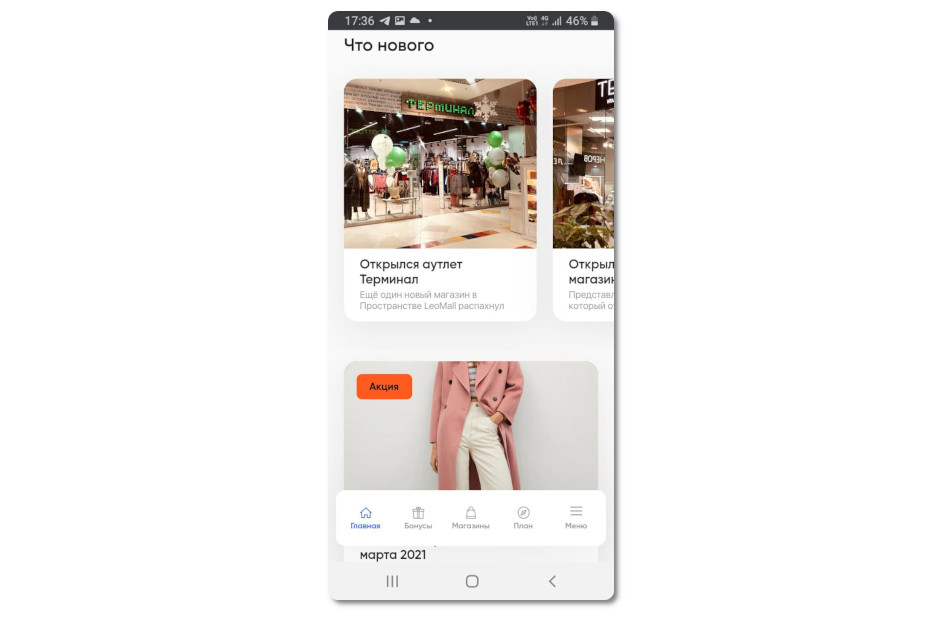
Below it is a horizontal What's new gallery carrying announcements of new stores and other news.
At the bottom of the screen is a menu with five sections: Home, Rewards, Stores, Floor plan and Menu. Let's take a closer look at each.
The Rewards section shows the balance of your points account. It also lists the perks you can claim for purchases made at LeoMall's stores.
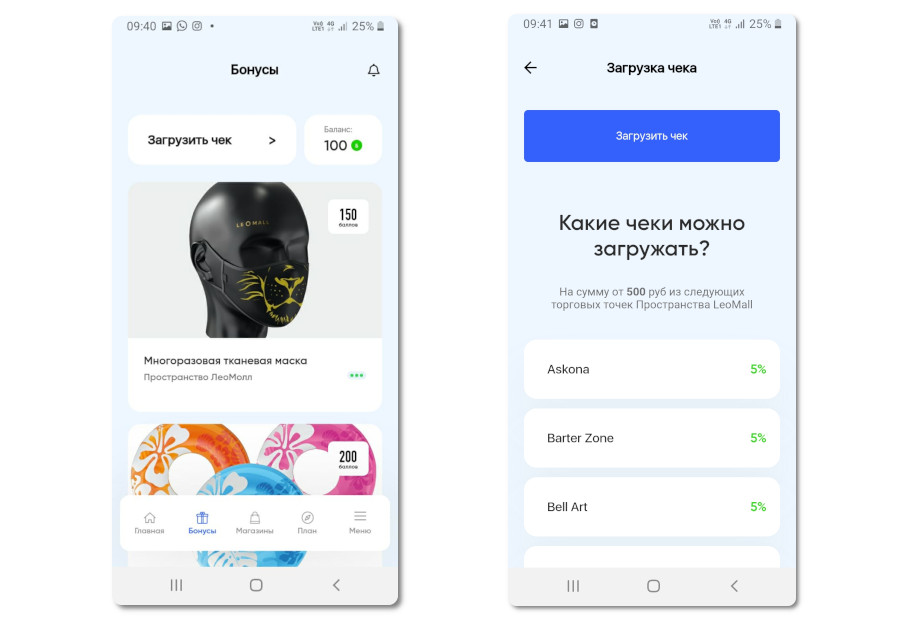
Perks are priced in points. At the time of writing the list held 17 offers ranging from 100 to 950 points — a pass to the museums and attractions of the Big Funny entertainment group (800 points), a gift certificate for a nail salon (500 points) or a reusable cloth mask (150 points), for example. Tap an offer card to see how many are left and how to claim one.
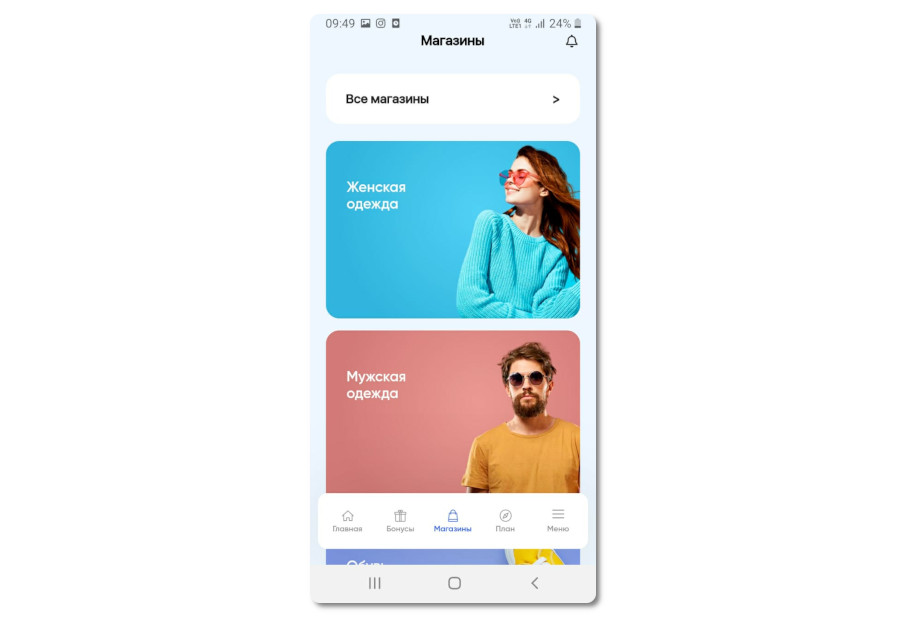
The Stores section is grouped into blocks by product category:
- Women's clothing.
- Men's clothing.
- Groceries.
- Footwear.
- Kids.
Each category holds a list of brands with a description and their current promotions.
The layout of the mall lives in the Floor plan section and takes the form of an interactive, floor-by-floor map of the stores. Tap a brand's logo and you get detailed information about its range and its current offers.
The Menu section gathers the reference information about LeoMall: a description of the space and its opening hours.
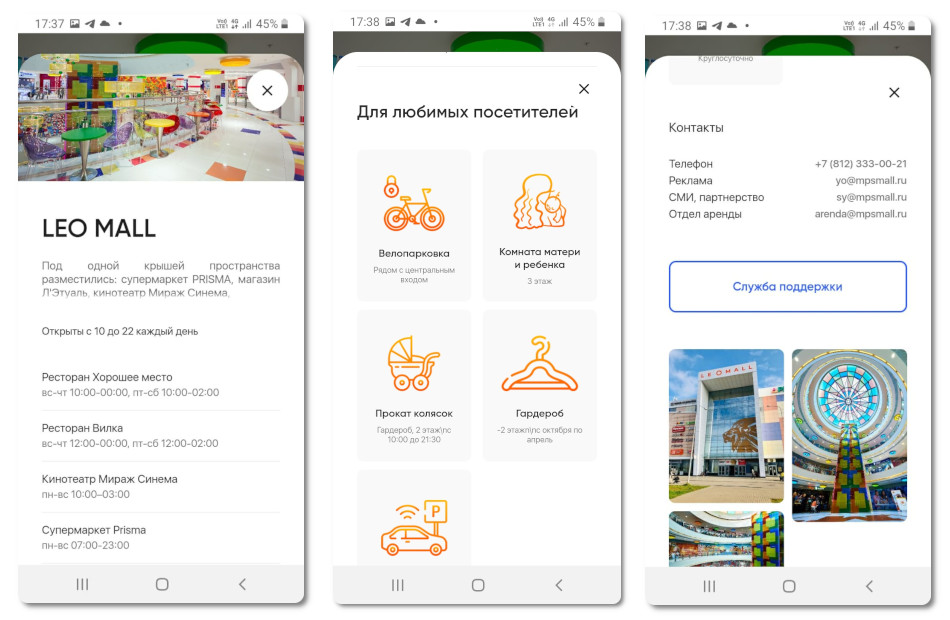
Listed separately are the hours of the venues — restaurants, the cinema, the supermarket and the gym — that keep different hours from the mall itself.
The same section covers the services available to visitors:
- Bicycle parking.
- Baby care room.
- Stroller rental.
- Coat check.
- Parking.
Each one comes with its location and hours.
At the bottom of the screen there is a Support block, which lets you email the team about how the app is working.
Besides the reference information, the Menu section invites you to sign up. After that you get access to your personal profile with your contact details and your points balance.
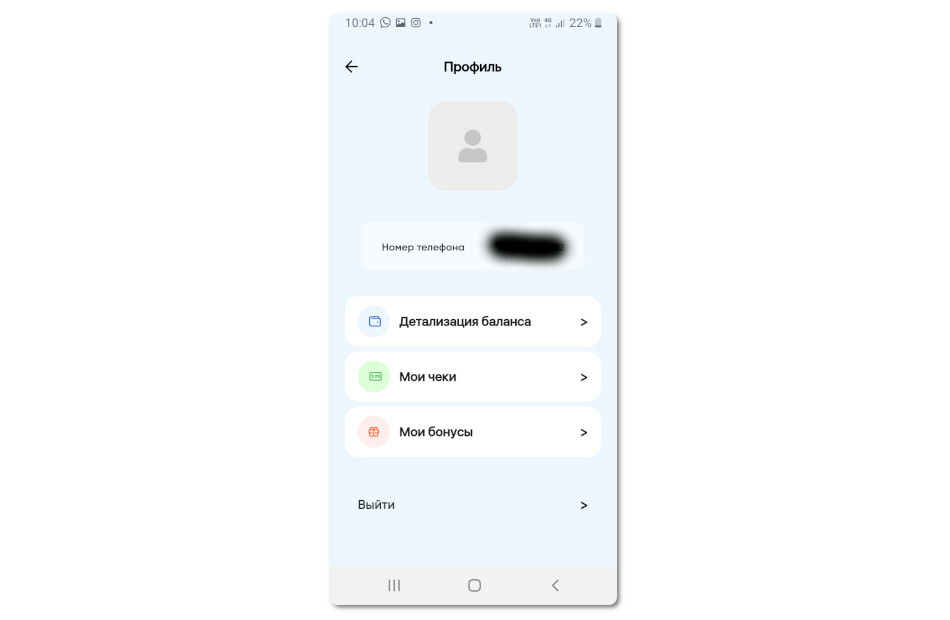
You can use the app without signing up, but then only the reference information is available — no taking part in the rewards program or the entertainment promotions.
Bonus program
For signed-in users the LeoMall app offers a points-based rewards program. Scan a purchase receipt and you earn points, which you then spend on perks. Receipts from 500 ₽ and up qualify for the program.
The program is open only to registered users. The sign-up form is in the Menu section.
Reviews
On Google Play the app holds a 4.9 rating. Almost every review is positive, praising the convenient interface and how easy it is to use.
Sergey Shuvaev: — Really convenient app! Everything is right there in one place. It genuinely helps you get your bearings and find what you need fast 🙂 Recommended!
Alexander Chugunov: — Great app, nobody has done anything like it. Really made for people who value every minute. Saving time is all shoppers want.... And the developers have done it all for you. The interface is clear and simple to use.
In closing
Pros:
- A handsome, light, modern design in the vein of MEGA malls.
- Updated regularly. Judging by the release notes, the team is actively improving the app.
- The app is simple and capable at the same time.
Cons:
Not much entertainment content. Going by the announcements in LeoMall's VK community, more entertainment services, quests and contests are due shortly.